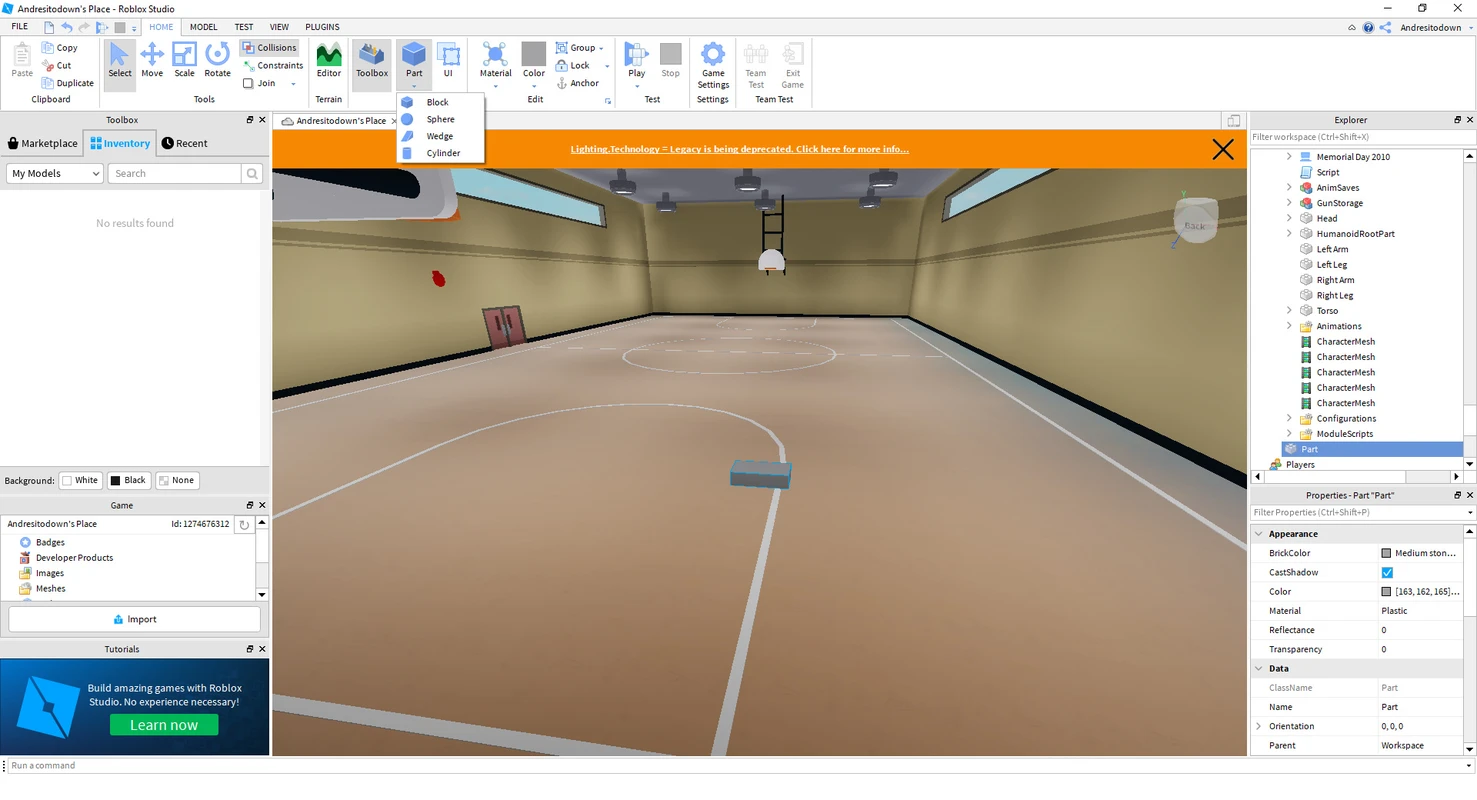
Selection, transform, and precision
Move, rotate, and scale with world or local frames. Use constraints, attachments, and align tools to keep mechanical rigs stable while you iterate.
See Explorer hygiene in GuidesEvery superpower in one scroll: teach it, audit it, or flex it in prod. Cards link to Guides when you need fix-it steps.
The Explorer gives you a live tree of services, workspace content, lighting, replicated storage, and UI layers. Selection flows into the Properties panel so you can audit attributes, tags, collision groups, and streaming relevance without guessing at runtime shape.
Move, rotate, and scale with world or local frames. Use constraints, attachments, and align tools to keep mechanical rigs stable while you iterate.
See Explorer hygiene in GuidesStudio distinguishes what the server owns versus what clients predict. Use play solo modes and network ownership cues to catch desync before players do.
Network checks in GuidesRoblox Studio surfaces developer metrics, script performance summaries, and memory categories while you playtest. Treat these views like a live system monitor for your experience budget.
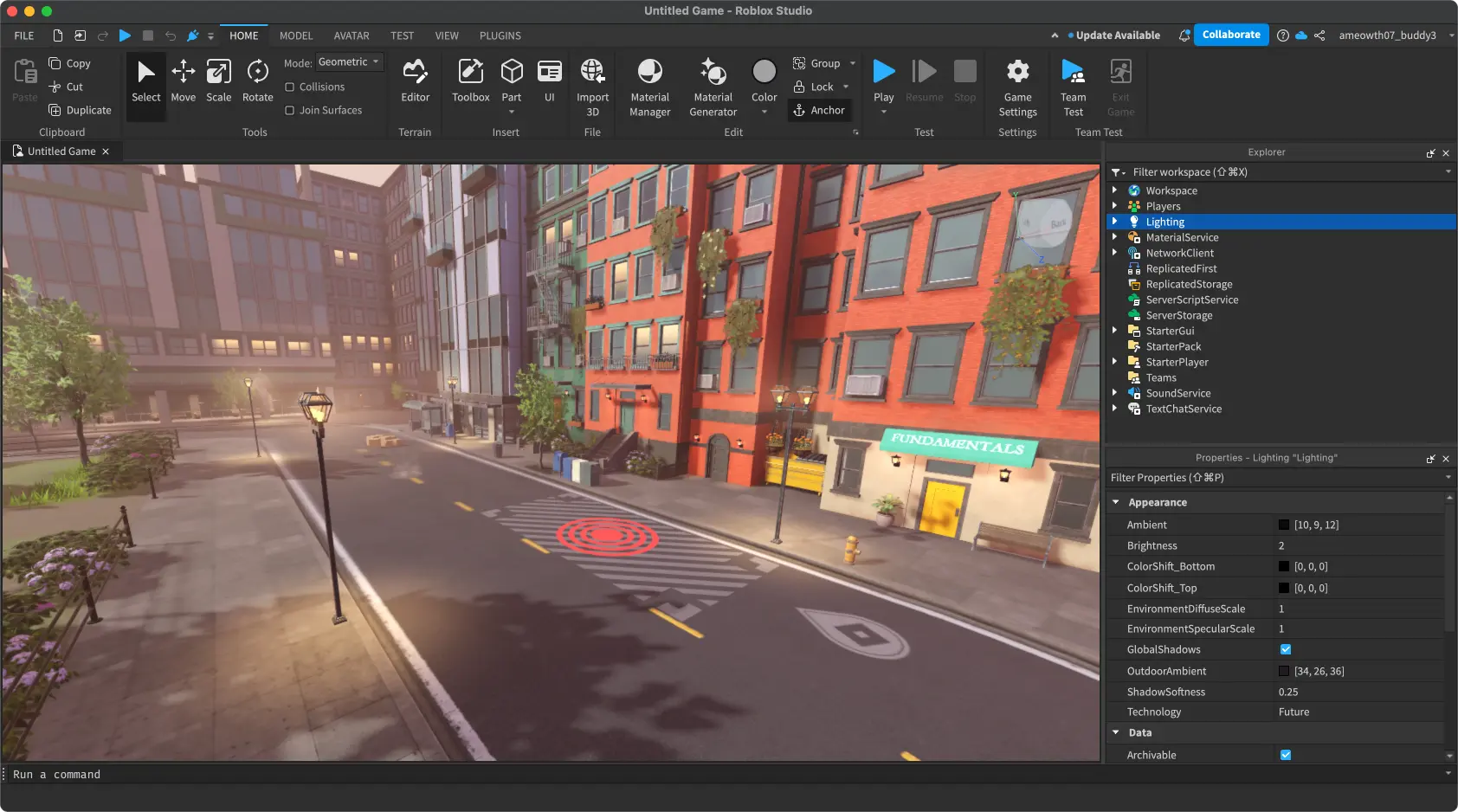
Pause execution, inspect the call stack, and watch variables while the DataModel advances. Pair Output filtering with structured logging patterns for faster RCA.
Diagnostics workflowCapture short traces to see expensive steps per frame. Ideal when terrain edits, physics assemblies, or UI layout cause hitches on mid-tier laptops.
Shared sessions and role boundaries help studios scale. Pair Studio permissions with your own source control and asset review gates.
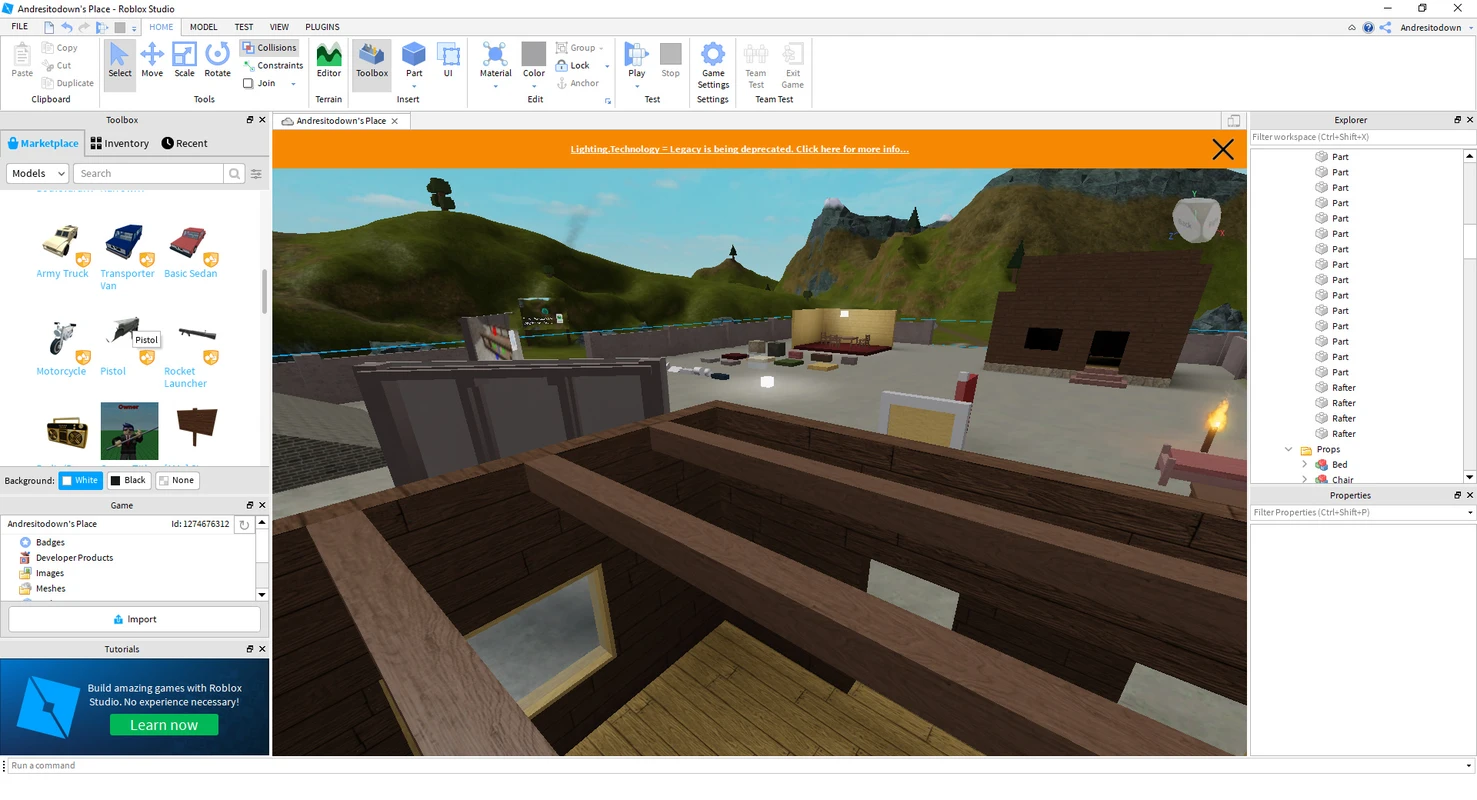
Multiple creators can co-edit with visible presence. Establish naming conventions and workspace regions to reduce accidental overlap.
Collaboration checklistTune chat filters, private server defaults, and API surfaces to match your audience. Document decisions so moderators and LiveOps stay aligned.
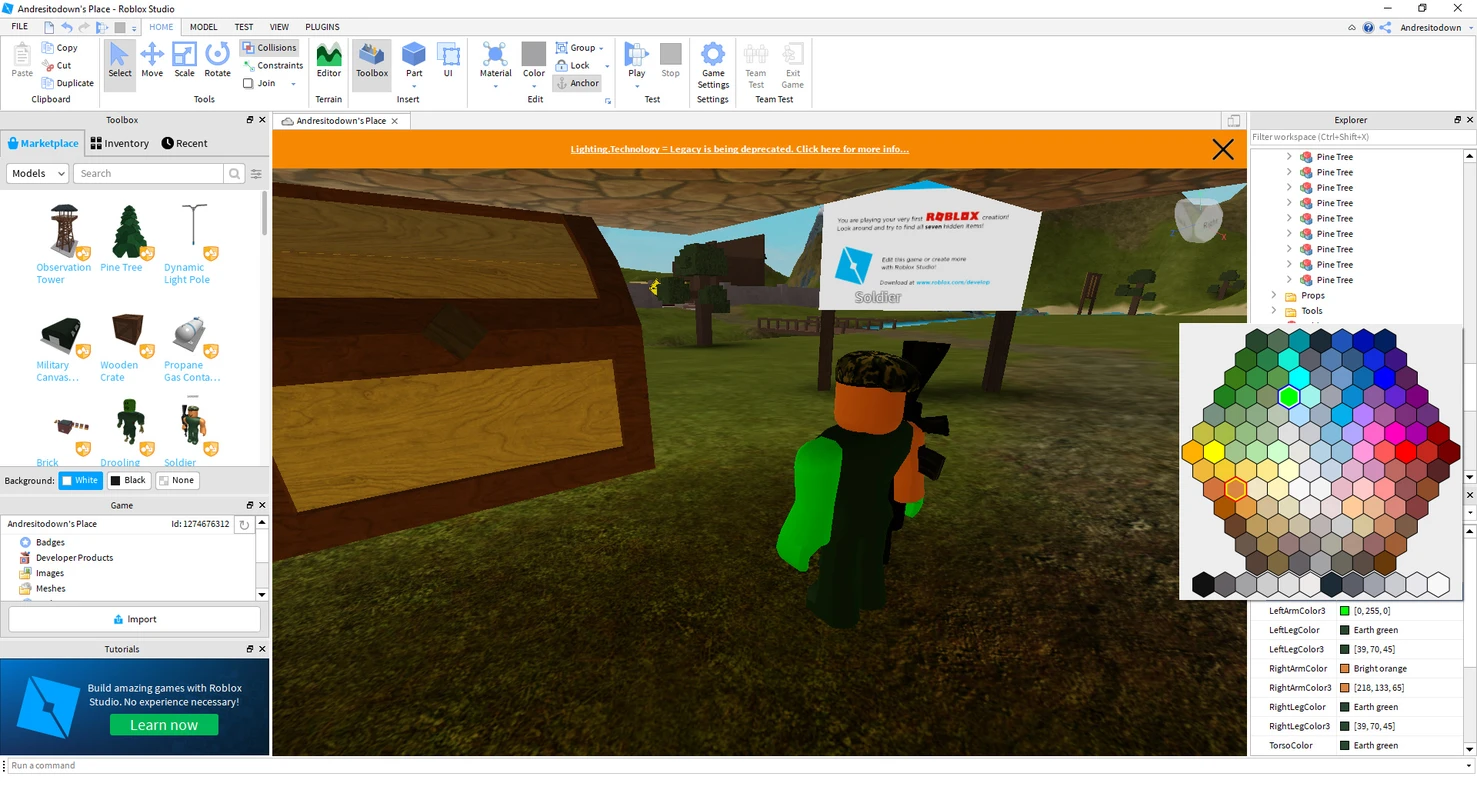
Measure how content streams to clients. Prefer modular levels, intentional reuse, and aggressive LOD for detailed props.
Performance practicesTextures, meshes, and audio each carry memory costs. Track leaks from undisconnected signals and growing tables during long playtests.
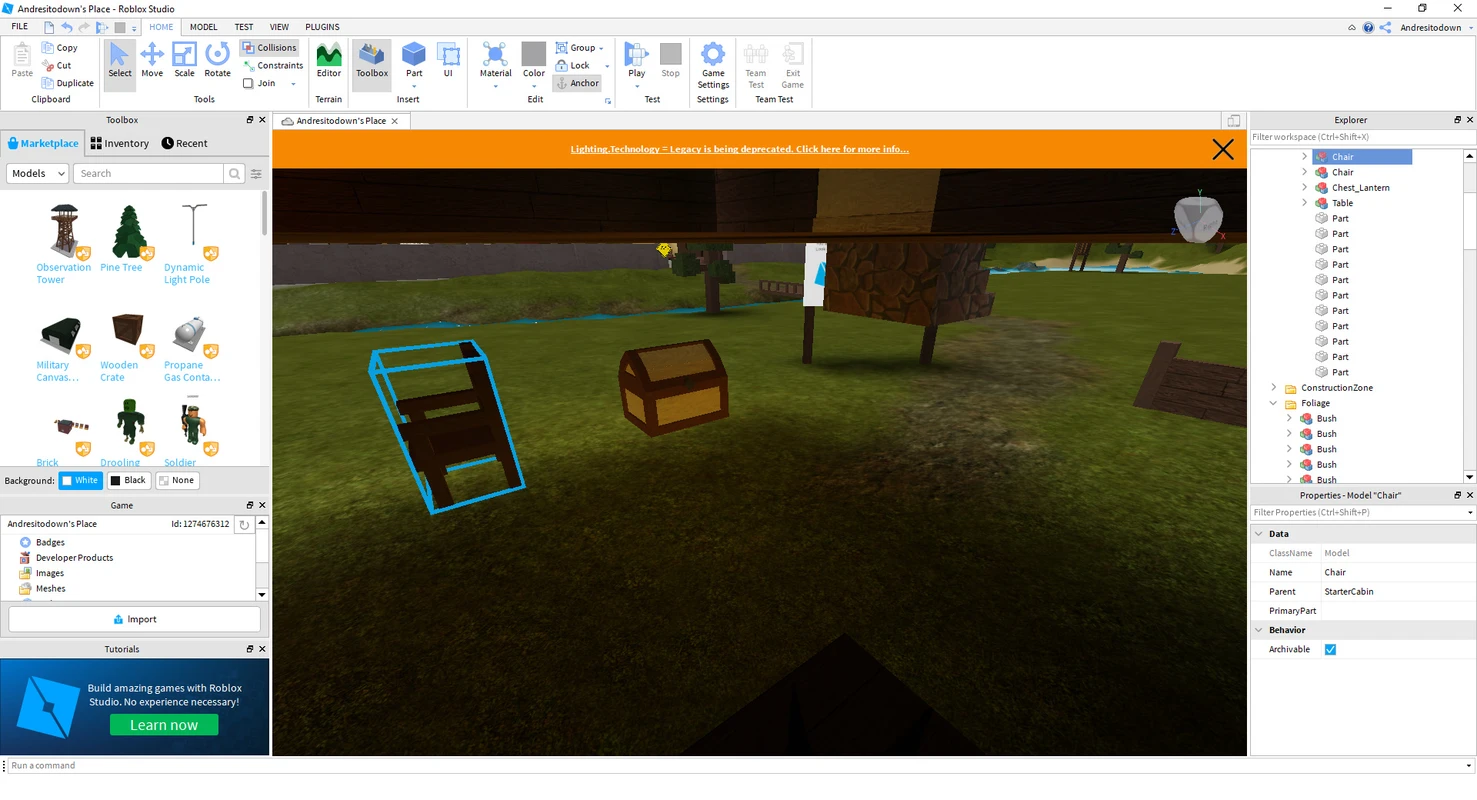
Structure code with ModuleScripts, shared packages, and clear server-client boundaries. Keep remote traffic explicit and validated.
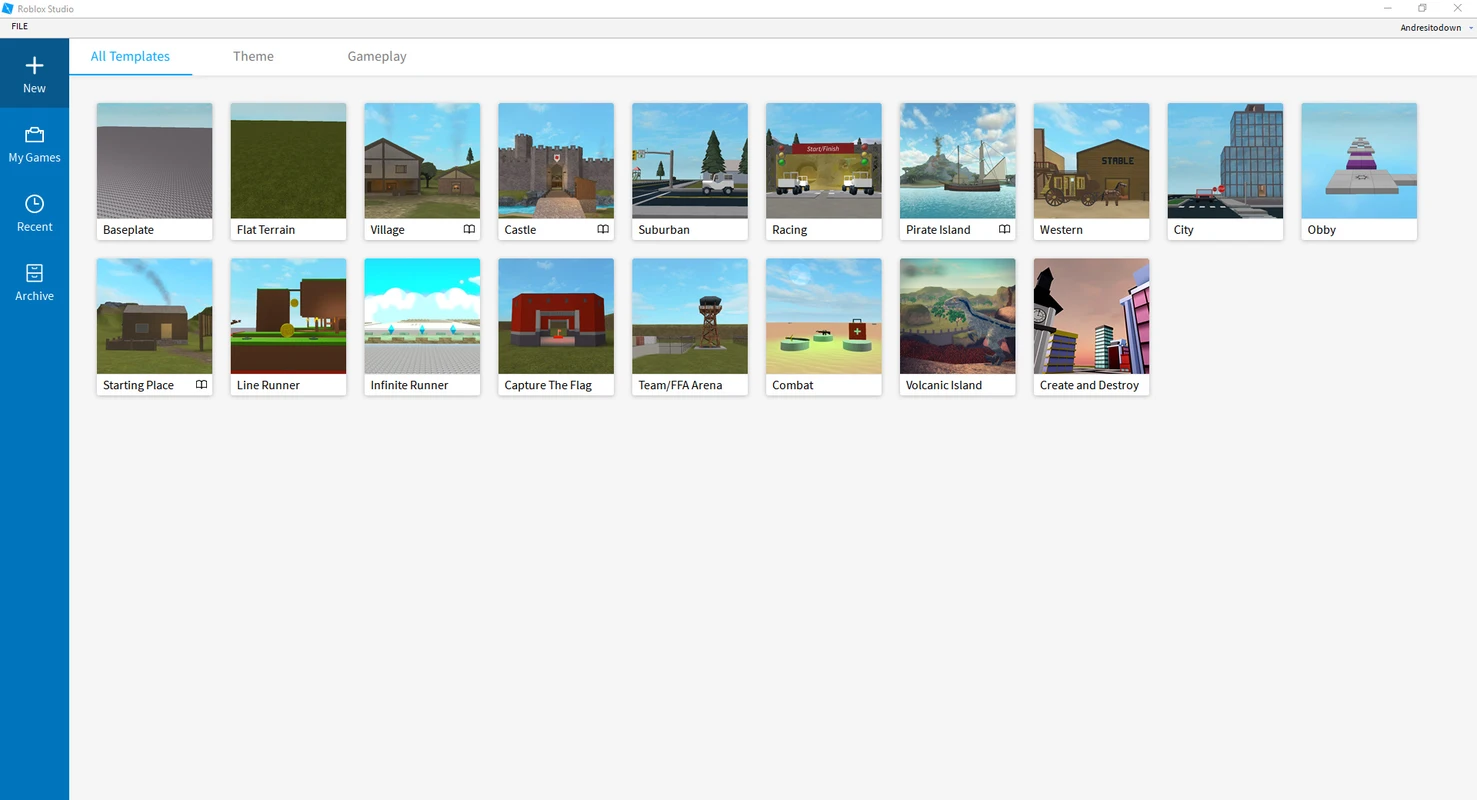
Author large outdoor spaces with brushes and material variance. Bake collision expectations into level milestones.
Tune atmosphere for readability and mood. Validate night scenes on low brightness mobile profiles.
Graphics troubleshootingInstall curated plugins for rigging, level kitbashing, QA, and deployment automation. Keep a manifest of approved plugins for enterprise machines.
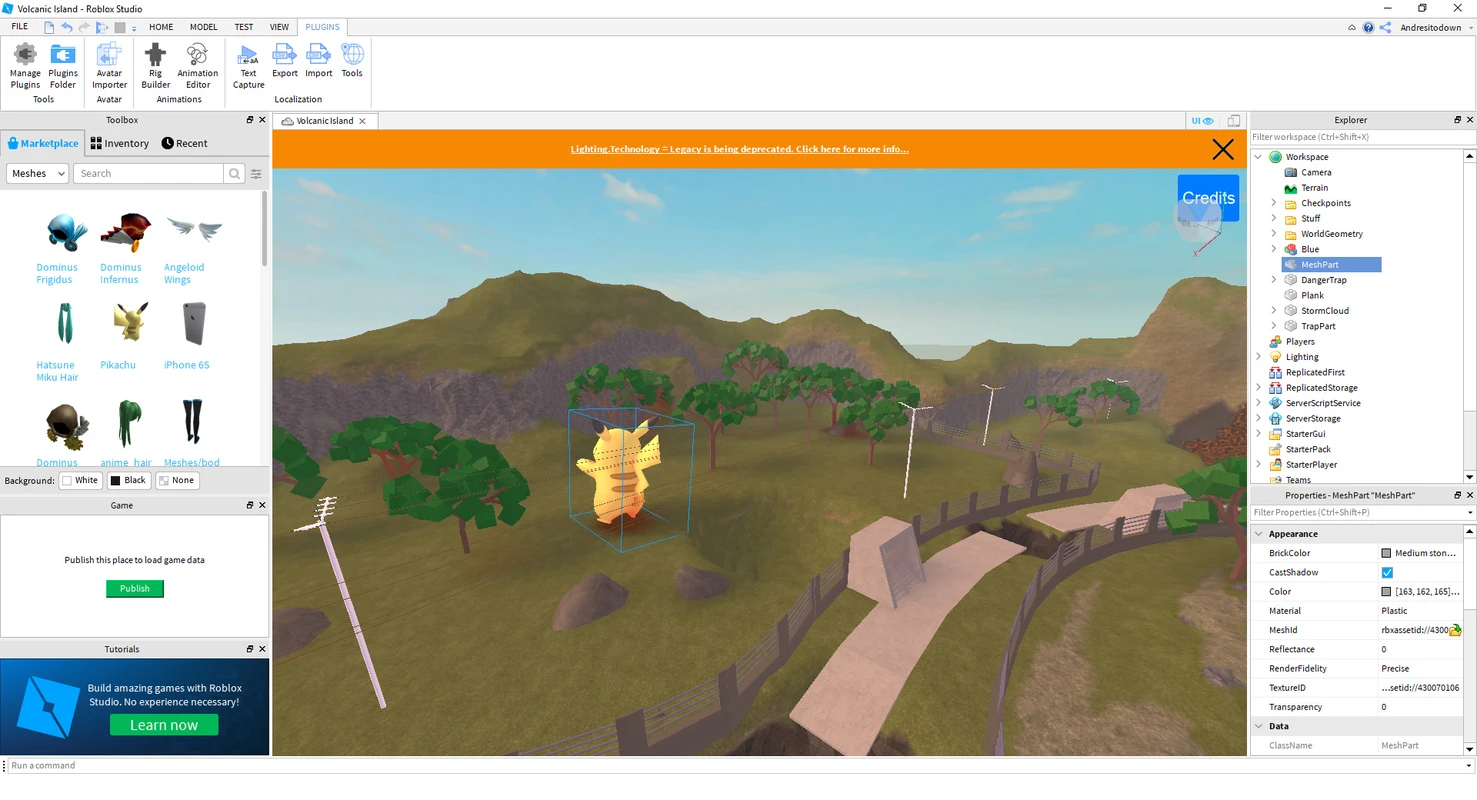
Review plugin sources you trust, pin versions, and remove unused tools to keep workstations tight.
🎮 Trust & ethics