📘 Roblox Studio guides & troubleshooting
Quest log for IT and leads: follow each section, then tick the verification line so change management stays happy.
🗺️ Jump links (tap to warp)
🧹 Clean install on Windows
- Uninstall older Studio builds from Apps and Features when you are standardizing on a new baseline.
- Delete residual folders only if your policy permits manual cleanup and you have backups of local plugins.
- Install from your approved package, then confirm the digital signature on the binary.
- Launch once as administrator only if your deployment guide requires it for folder permissions.
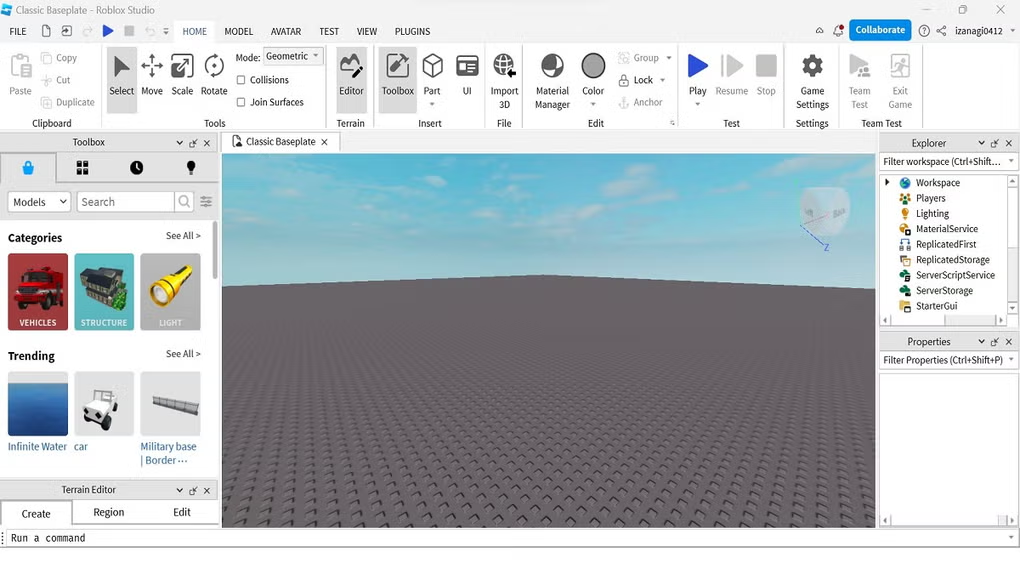
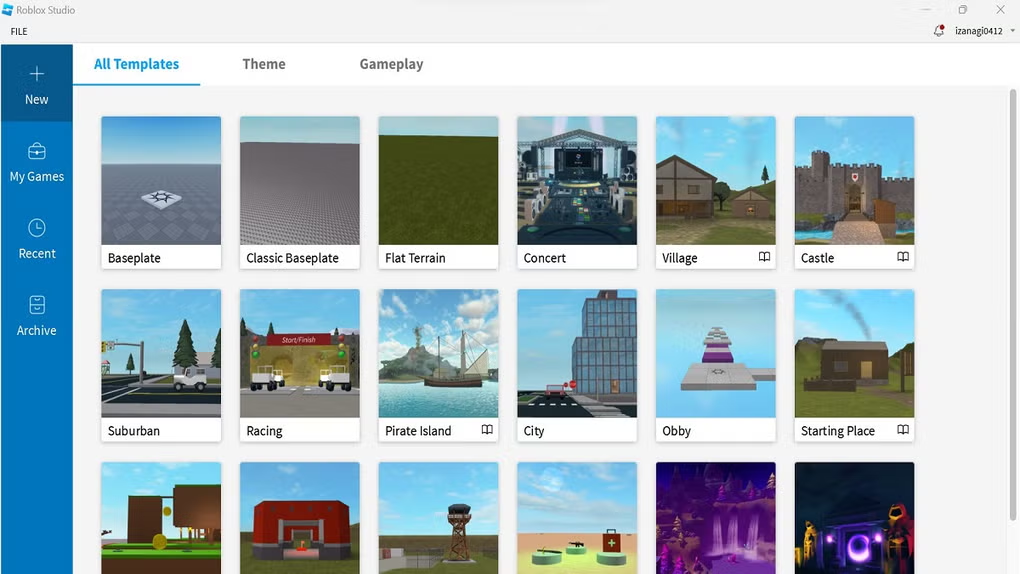
- Open a blank baseplate, confirm viewport renders, then sign in with a test account.
Verification: About dialog shows a build string and graphics device name.
🌳 Explorer hygiene and hierarchy discipline
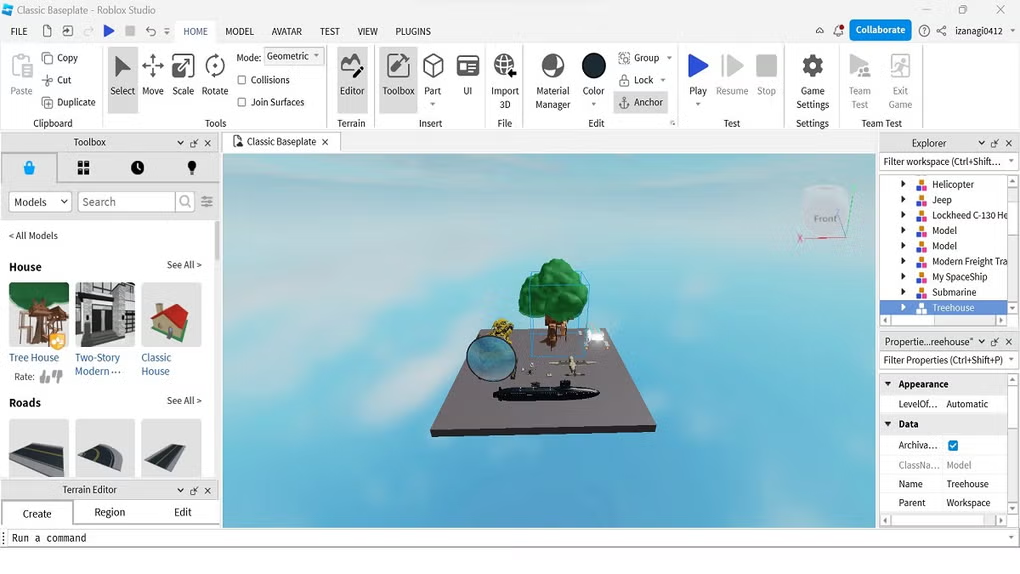
- Name instances predictably. Avoid duplicate default names that obscure remote bindings.
- Group terrain regions and props under folders that match streaming slices.
- Tag interactive objects consistently so QA scripts can enumerate them.
- Archive deprecated models to a hidden folder instead of leaving disabled junk in Workspace.
Verification: Search in Explorer finds unique paths for critical remotes.
🌐 Network and replication checks
- Play in server-only mode to validate authoritative state transitions.
- Play with two local clients when testing ownership handoffs.
- Log remote invocations during stress tests and assert rate limits server side.
- Disable experimental flags between bisects so results stay comparable.
Verification: No unbounded remote spam during soak tests.
🐛 Diagnostics when scripts misbehave
- Reproduce with the smallest place file that still triggers the fault.
- Enable breakpoints around the suspect coroutine or heartbeat handler.
- Capture Output lines with timestamps for correlation to server logs if you mirror them locally.
- Export microprofiler slices for frames that spike over budget.
Verification: Minimal repro runs under the same fault class.
🤝 Collaboration best practices
- Assign ownership regions in the map so two editors rarely grab the same assembly.
- Communicate breaking changes to ModuleScript public interfaces in your team channel.
- Lock critical folders during release week if your workflow supports it.
- Pair Studio sessions with external version control exports on a schedule you can audit.
Verification: Session history shows intentional edits, not silent drift.
⚡ Performance stabilization
- Establish a target frame budget per platform tier your game supports.
- Reduce moving anchored assemblies and simplify collision meshes on heavy props.
- Batch UI updates instead of rebuilding large trees every second.
- Profile memory after long sessions to catch tables that grow without bound.
Verification: Playtest metrics stay inside documented envelopes.
🖥️ Graphics and viewport issues
- Update GPU drivers from the vendor stack your IT team approves.
- Toggle graphics mode down one step on laptops to rule out thermal throttling artifacts.
- Disable conflicting overlay tools temporarily to test stability.
- Reset Studio layout if a docked panel pinned a zero-size viewport region.
Verification: Blank place renders a stable grid at expected FPS.
🦠 Antivirus warnings and enterprise allowlists
Security products may heuristically block installers that write Program Files, spawn services, or update frequently. Treat alerts as a workflow problem first: collect hash, publisher, path, and parent process, then request classification from your vendor.
- Quarantine the download until hash matches internal release documentation.
- Submit the file hash to your antivirus vendor with business justification.
- Allowlist only the exact path and binary version approved by security.
- Re-test after each major Studio upgrade because hashes change.
Verification: Controlled policy sync reaches all endpoints within SLA.
🆘 Common problems quick map
- 💥 Studio closes fast: check GPU drivers + overlays.
- 🔑 Sign-in fails: clock skew, proxy, credential policy.
- 🧩 Plugins noped: folder permissions + execution policy.
- ⏳ Playtest hangs: streaming + huge assets bisect.